
This is how you are going to clean up your conversations area if you do not want your social media DM’s to be a part of it.
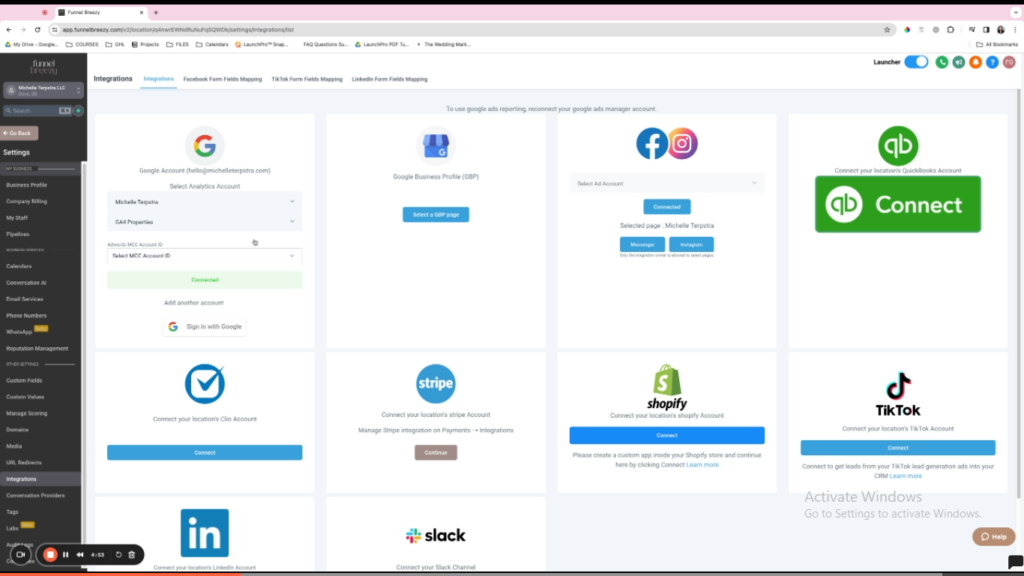
Disabling Instagram and Facebook Messages in infinity interface #
This guide shows you how to stop Instagram and Facebook messages from coming into infinity interface.
Steps:
- Go to Settings in infinity interface.
- Click on Integrations.
- Under Integrations, find Messenger.
- Click the toggle switch next to Messenger to turn it off.
- Repeat steps 3 and 4 for Instagram.
- Click Save to confirm the changes.


