
New Google and Yahoo Sending Requirements #
To break it down, these are the main things that Google and Yahoo are requiring of you:
DKIM & SPF records need to be verified (we do this for you when we set up your email subdomain – so.. you’re already good to go there.)
DMARC authentication – for basic DMARC authentication, you will need to add 1 TXT record into your domain provider if you have not already.
How to do that 👇
- Record type is TXT
- Host = “_DMARC” (This can look a little bit different on each domain provider, but make sure that it automatically is adding .yourdomain.com after)
- Value = “v=DMARC1; p=none;” – this is a basic DMARC and should establish your authentication correctly.
Watch our LOOM walkthrough.
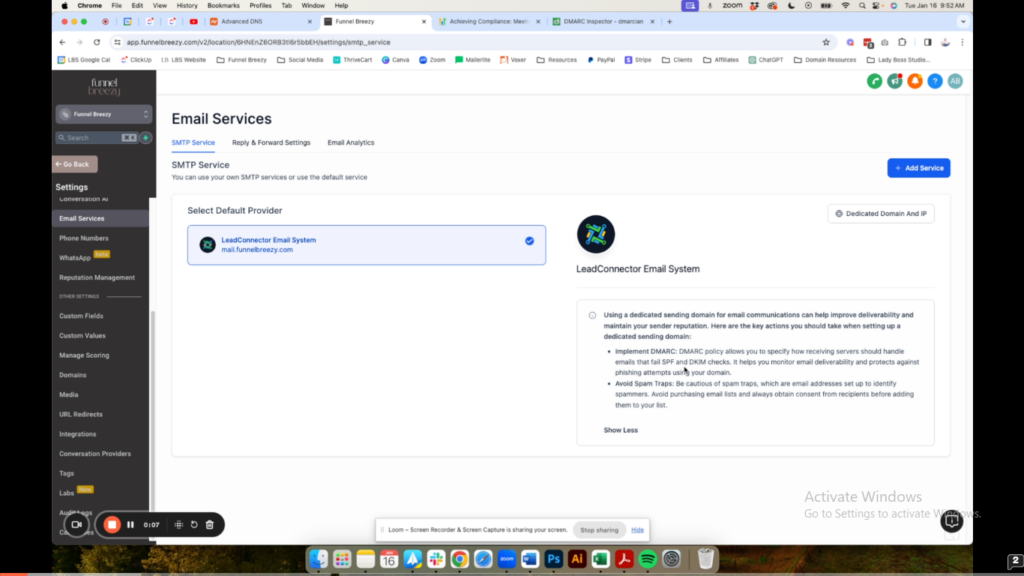
How to Add a DMARC Record to Your Domain (Using Namecheap as an Example) #
This guide will show you how to add a DMARC record to your domain using Namecheap as an example. The process is similar for other domain providers, but the specific interface may differ.
Why Add a DMARC Record?
- Improves email deliverability.
- Helps comply with new authentication laws from Google and Yahoo.
Things to Know Before You Begin
- Infinity Interface already verifies DKIM and SPF records for subdomains they create.
- You only need to add the DMARC record yourself.
Steps:
- Locate your DNS Management:
- Log in to your domain provider account (e.g., Namecheap).
- Find the section for managing DNS records. It might be called “Advanced DNS,” “DNS Management,” or something similar.
- Add a New TXT Record:
- Click the button to add a new record.
- Select “TXT record” as the record type.
- Configure the DMARC Record:
- Host: Enter
_dmarc(without quotes). - Value: Copy and paste the following value:
v=DMARC1; p=none; - Important: Do not include the quotes when pasting the value.
- Host: Enter
- Save and Verify (Optional):
- Click the button to save the new record.
- You can optionally use a DMARC record checker to verify it’s working, but it may take 30 minutes to an hour to propagate.
Additional Tips:
- The TTL (Time To Live) for the record can be set to a low value (e.g., 15 minutes or 30 minutes). This isn’t crucial, but it can help updates take effect faster.
- If you have any questions, contact your domain provider for assistance.
Additional guide: #
Scrub your email list every 3 months – this means removing any unsubscribed people / unverified people. You will do this inside of the contacts area via
Find out how to do that HERE.
Make sure it is easy to unsubscribe from your list, so – if that’s either by your own branded unsubscribe funnel and/or the unsubscribe that is native to Infinity Interface – MAKE SURE it is either prominent in your header or footer.. and that they get unsubscribed after 1 click.
Beyond that, just making sure you are keeping brand consistency is important (sending from emails that match your sending domain, i.e. mail.funnelbreezy.com [sending domain] hello@funnelbreezy.com [from email].
If you want to read more on this new compliance – you can do so via this ARTICLE.


